
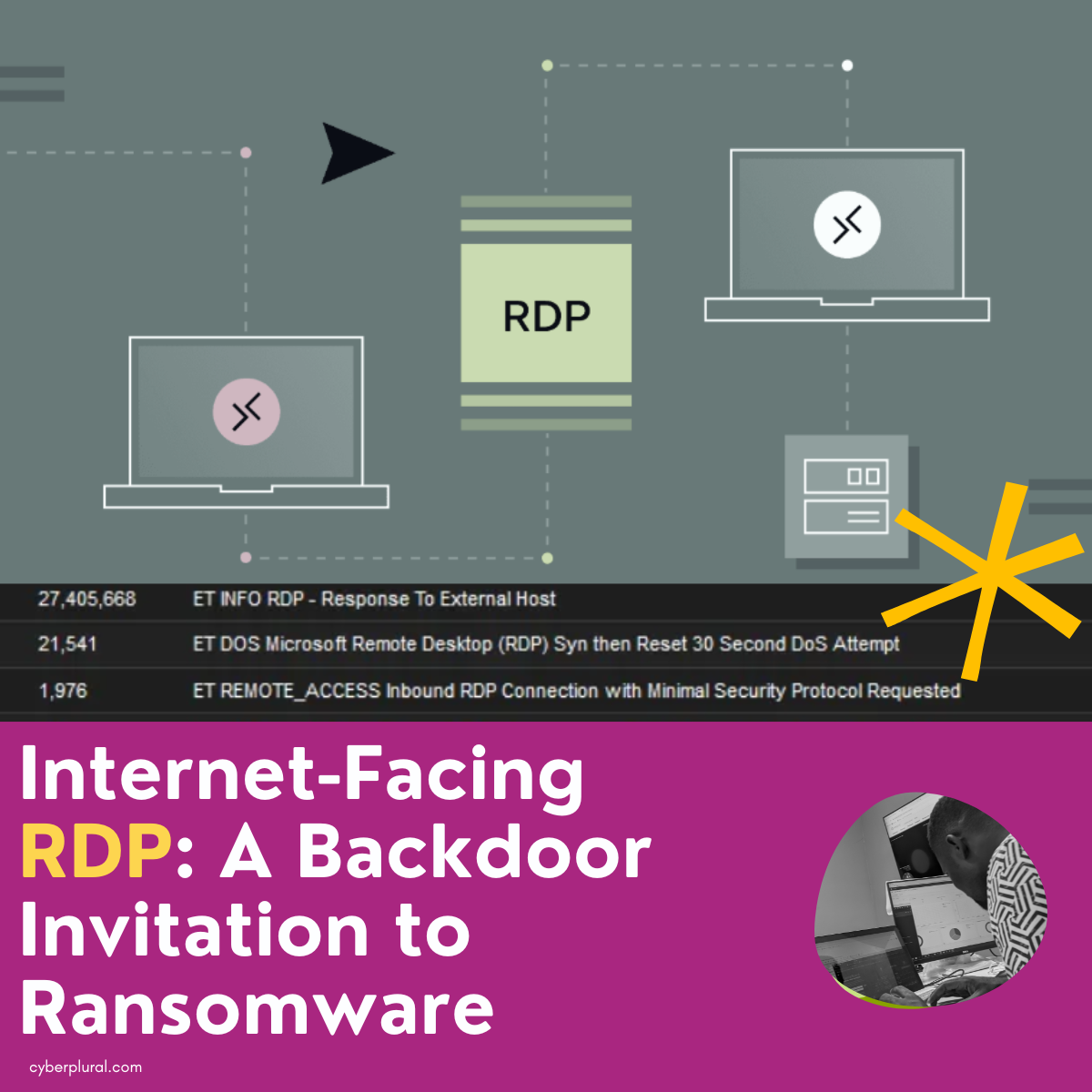
Internet-Facing RDP: A Backdoor Invitation to Ransomware
Introduction
Many cybersecurity stories begin after a breach, but this one starts before. In this blog, we aim to demonstrate how proactive monitoring can transform a potential major incident into valuable lessons for organizations using internet-facing servers like Remote Desktop Protocol (RDP).
We are not immune to the misconfigurations and vulnerabilities that affect many organizations. However, with effective detection and mitigation strategies, what could have escalated into credential theft or ransomware was thwarted before it could begin. By sharing our near-miss experience, we hope to illuminate the hidden dangers of RDP and offer actionable solutions for organizations.
Understanding Remote Desktop Protocol (RDP)
Remote Desktop Protocol (RDP) is a Microsoft-developed protocol that allows users to connect to and use a remote desktop from another computer. Employees commonly use remote desktop software to access their work computers while traveling or working from home.
The Ransomware Threat Landscape
Recent reports highlight a staggering increase in RDP abuse among ransomware groups. According to a report by Sophos, RDP exploitation featured in 90% of their incident response cases in 2023. This alarming trend underscores why external remote services have become a primary avenue for threat actors to gain initial access to systems.
Prominent ransomware groups, such as Blacksuit and BianLian, have leveraged RDP vulnerabilities to infiltrate networks, execute discovery commands, and maintain persistence. The Akira and RansomHub ransomware group has also turned to RDP as an initial access vector, further emphasizing the need for vigilance.
Our Experience: A Near Miss
During a routine review of our threat detection alerts, our Security Operations Center (SOC) analysts flagged multiple suspicious inbound RDP attempts. What initially seemed like background noise evolved into a critical reminder of the importance of continuous visibility and proactive monitoring.
Two significant indicators stood out during our analysis:
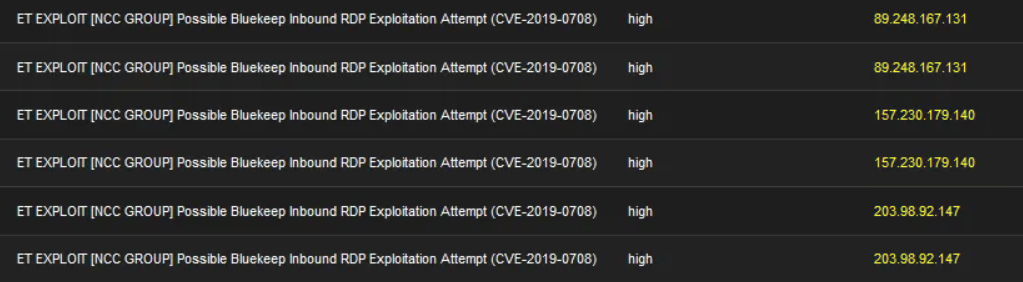
Possible BlueKeep Inbound RDP Exploitation Attempt (CVE-2019-0708): This severe vulnerability allows attackers to execute code remotely without authentication, potentially leading to credential theft and lateral movement.
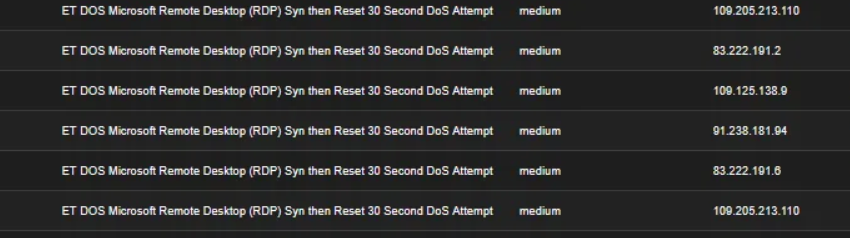
Denial of Service (DoS) Attempts: Multiple attempts to flood RDP services with SYN packets aimed to exhaust system resources and disrupt legitimate sessions.
Our proactive monitoring allowed us to block these attempts before they could succeed, highlighting the ongoing risks posed by old vulnerabilities and the need for constant vigilance.
Recommendations for Mitigation
To combat the challenges posed by internet-facing RDP vulnerabilities, we recommend the following strategies:
- Implement Strong Password Policies: Require all remote users to comply with NIST guidelines for password management.
- Use Time-Based Access: Disable administrative accounts when not in use to minimize exposure.
- Limit RDP Access: Use VPNs with strong access controls and avoid exposing Port 3389 to the public internet.
- Create Firewall Rules: Restrict RDP access to trusted IP addresses through effective firewall configurations.
- Monitor Logs and Events: Utilize SIEM tools to track RDP logs for anomalies and integrate network intrusion detection systems.
- Regularly Patch Vulnerabilities: Keep RDP and Windows systems updated to mitigate known exploits.
Conclusion
Exposing RDP or other services to the internet is akin to leaving your front door wide open for ransomware groups to exploit. As ransomware tactics continue to evolve, organizations must adopt a proactive approach to cybersecurity.
At CyberPlural, we specialize in proactive monitoring, threat detection, vulnerability management, and incident response. Reach out today and let us help secure your network so you can focus on your business.
By Amarachi Obiajulu and Raymond Ebonine
Leave a Reply